How to Build a LinkedIn Profile That Gets You Noticed: A Complete Guide for Freshers
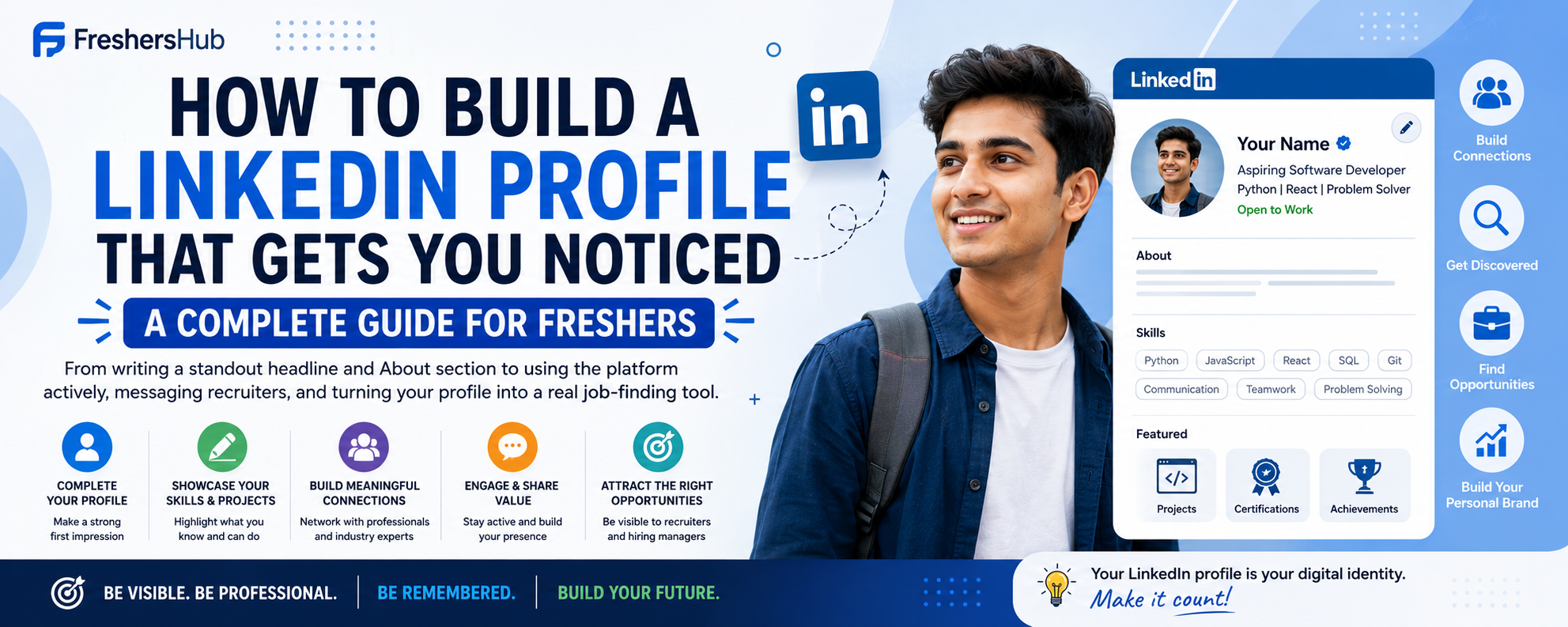
A complete LinkedIn guide for freshers — from writing a standout headline and About section to using the platform actively, messaging recruiters, and turning your profile into a real job-finding tool.
How to Build a LinkedIn Profile That Gets You Noticed: A Complete Guide for Freshers
LinkedIn is no longer optional. With over 1 billion users worldwide, it's the single most important professional platform for job seekers today. Recruiters actively search LinkedIn every day to find candidates — and if your profile is incomplete, outdated, or missing entirely, you're invisible to them. This guide walks you through every section of a powerful LinkedIn profile, how to use the platform actively, and how to turn it into a real job-finding tool.
1. Why LinkedIn Matters More Than Ever for Freshers
- Recruiters use it daily — most hiring managers and HR professionals search LinkedIn before (or instead of) job boards.
- It's your living resume — unlike a PDF resume, your LinkedIn profile can include recommendations, skills endorsed by others, posts, and portfolio links.
- It opens up the "hidden job market" — a large percentage of jobs are never publicly posted. They're filled through referrals and connections. LinkedIn is where that happens.
- It builds your personal brand — even before you have a job, you can establish yourself as someone serious about your field.
2. Setting Up the Basics Right
Profile Photo
Your photo is the very first thing people notice. A strong LinkedIn photo:
- Shows your face clearly (no sunglasses, no group photos)
- Has a clean, plain or blurred background
- Has good lighting — natural light near a window works well
- Has you dressed professionally or smart-casually (appropriate to your target industry)
- Shows a natural, confident smile
You don't need a professional photographer — a smartphone photo taken in good light is perfectly fine. Profiles with a photo get 14x more views than those without.
Background Banner
The banner image behind your profile photo is prime real estate that most freshers leave blank. Use it to reinforce your professional identity — a banner with your field, skills, or a clean professional design makes your profile look intentional and polished.
Your Name
Use your actual full name — the one you use professionally. Avoid nicknames or abbreviations unless that's genuinely how you're known.
3. Writing a Headline That Does the Work
Your headline is the one line that appears under your name everywhere on LinkedIn — in search results, connection requests, and comment sections. Most freshers write:
"Student at XYZ University" or "Looking for Opportunities"
These are wasted opportunities. Write a headline that tells the reader what you do or aspire to do:
Formula: Role/Aspiration | Key Skill | Key Skill | What you bring
Examples:
"Aspiring Software Developer | Python | React | Building Web Apps That Solve Real Problems"
"Marketing Fresher | Content Writing | SEO | Helping Brands Tell Better Stories"
"Final Year B.Com Student | Finance & Accounting | Excel | Seeking Roles in Financial Analysis"
Your headline can include keywords recruiters actually search for — which directly affects how often you show up in results.
4. Crafting a Strong About Section
The About section (previously called Summary) is your chance to speak directly to anyone who visits your profile. Write it in first person, keep it conversational, and cover:
- Who you are — your educational background and area of interest
- What you've done — key projects, internships, or achievements
- What you're looking for — the kind of role or industry you're targeting
- A call to action — invite people to connect or reach out
Example:
"I'm a Computer Science graduate passionate about building web applications that make everyday tasks easier. During my final year, I developed a student internship tracking platform using React and Node.js, which is now actively used by students in my college.
I've completed an internship at ABC Technologies, where I worked on REST API development and learned a lot about real-world software deployment. I enjoy solving problems and turning ideas into working products.
I'm currently looking for opportunities in full-stack development and am open to roles in product companies as well as startups. Feel free to connect — I'm always happy to chat about tech, projects, or anything career-related!"
Keep it between 150–300 words. Don't just copy-paste your resume summary — this should feel like you're talking to the reader.
5. Filling Out Each Section Strategically
Education
Fill this in completely — degree, institution, years, and optionally your CGPA if strong. You can also add relevant coursework, activities, or societies. This is how alumni from your college find and connect with you.
Experience
Add internships, part-time roles, freelance work, and even significant volunteer roles. For each:
- Write 2–3 bullet points
- Focus on what you built, learned, or contributed
- Use the same Action Verb + Task + Result formula from your resume
Skills
LinkedIn allows up to 50 skills — be strategic. Add:
- Hard technical skills first (languages, tools, platforms)
- Then soft skills (communication, teamwork, leadership)
- Focus on skills that match your target job descriptions
Getting your skills endorsed by classmates, professors, or internship colleagues adds social proof. You can also take LinkedIn Skill Assessments — passing them adds a verified badge to your profile.
Projects
This section is critical for freshers. Add every meaningful academic or personal project with a description, technologies used, and a link to a live demo or GitHub repo wherever possible.
Certifications
Add every relevant certification you've completed — Coursera, Google, AWS, HackerRank, NPTEL. Include the issuing organization and date. These show initiative and continuous learning.
Licenses & Publications, Honors & Awards
Even small wins count here — college toppers list, hackathon participations, scholarships, or published college research. Add them.
6. Getting Recommendations and Endorsements
Recommendations
A written recommendation from a professor, internship manager, or project mentor is one of the most powerful things on a LinkedIn profile. To get one:
- Ask someone who has directly worked with you and can speak to specific skills or qualities
- Make it easy for them by reminding them of the project/period and what you'd like them to highlight
- Always offer to write one in return
Even 1–2 strong recommendations make a significant difference.
Endorsements
Endorse your connections' skills genuinely, and most will return the favor. Start with classmates or internship colleagues you've actually worked with.
7. Using LinkedIn Actively — Not Just as a Static Profile
Having a good profile is step one. Using the platform consistently is what truly makes a difference.
Follow Relevant People and Companies
Follow companies you want to work for, industry leaders in your field, and professionals whose content resonates with you. Your feed will become a source of industry insights, which you can reference in interviews and conversations.
Engage With Content
Like, comment, and occasionally share posts in your area of interest. A thoughtful comment on a post by an industry professional is more visible than you'd think — many people have gotten recruiter messages just from being active and insightful in comments.
Post Your Own Content
You don't need to post every day, but sharing things like:
- A project you completed (with screenshots or a demo link)
- Something you learned from a course, internship, or interview experience
- Your take on a recent industry development
Even 2–3 posts a month can significantly increase your profile visibility and position you as someone engaged in your field.
Turn On "Open to Work"
Go to your profile, click "Open to," and select "Finding a new job." You can choose between showing this publicly or only to recruiters (recommended). Fill in your preferred job titles, locations, and job types — this directly tells recruiters what you're looking for.
8. How to Reach Out to Recruiters and Professionals
Cold messaging on LinkedIn works — but only if you do it right.
Do:
- Personalize every message. Mention something specific about them or their company.
- Be concise. Respect their time.
- Have a clear ask — a referral, advice, or a quick call.
Don't:
- Send a generic "Hi, please refer me" with no context.
- Message only when you need something — try to build the relationship first through comments or sharing their content.
- Follow up more than once or twice.
Example message:
"Hi [Name], I came across your profile while researching [Company Name] — I'm a recent Computer Science graduate really interested in your team's work on [specific product/project]. I'd love to connect and, if you have a few minutes, hear about your experience there. No pressure at all — just keen to learn more about the space."
9. LinkedIn Profile Optimization Checklist
- Professional profile photo
- Custom background banner (not the default blue)
- Headline with keywords, not just "Student"
- About section written in first person, 150–300 words
- Education section fully filled in
- At least 2–3 experiences or internships listed with bullet points
- Projects section with descriptions and links
- 15+ relevant skills added
- At least one certification listed
- Open to Work enabled
- Custom LinkedIn URL (e.g., linkedin.com/in/yourname) — set under "Edit public profile & URL"
- At least 1 recommendation requested
- Connected with 50+ relevant people (professors, classmates, colleagues)
- Posted or engaged with content at least once this month
Final Thoughts
LinkedIn is a long game. You won't build a perfect profile and immediately get flooded with recruiter messages. But over weeks and months of consistent effort — updating your profile, connecting thoughtfully, and engaging with content — it becomes one of the most powerful tools in your job search. Start today, even if it's just completing one section you've been putting off. The best LinkedIn profile is the one you actually build and keep improving.